# Add-on Modules

The SMD family stands out for its modular, daisy-chained and rich electronics. Flexibility is as important as modularity, and 10 different types of add-on modules that can be connected in any order. All these different types of sensors ensure that the users have all the possibilities to turn their ideas into projects.

## ID Config

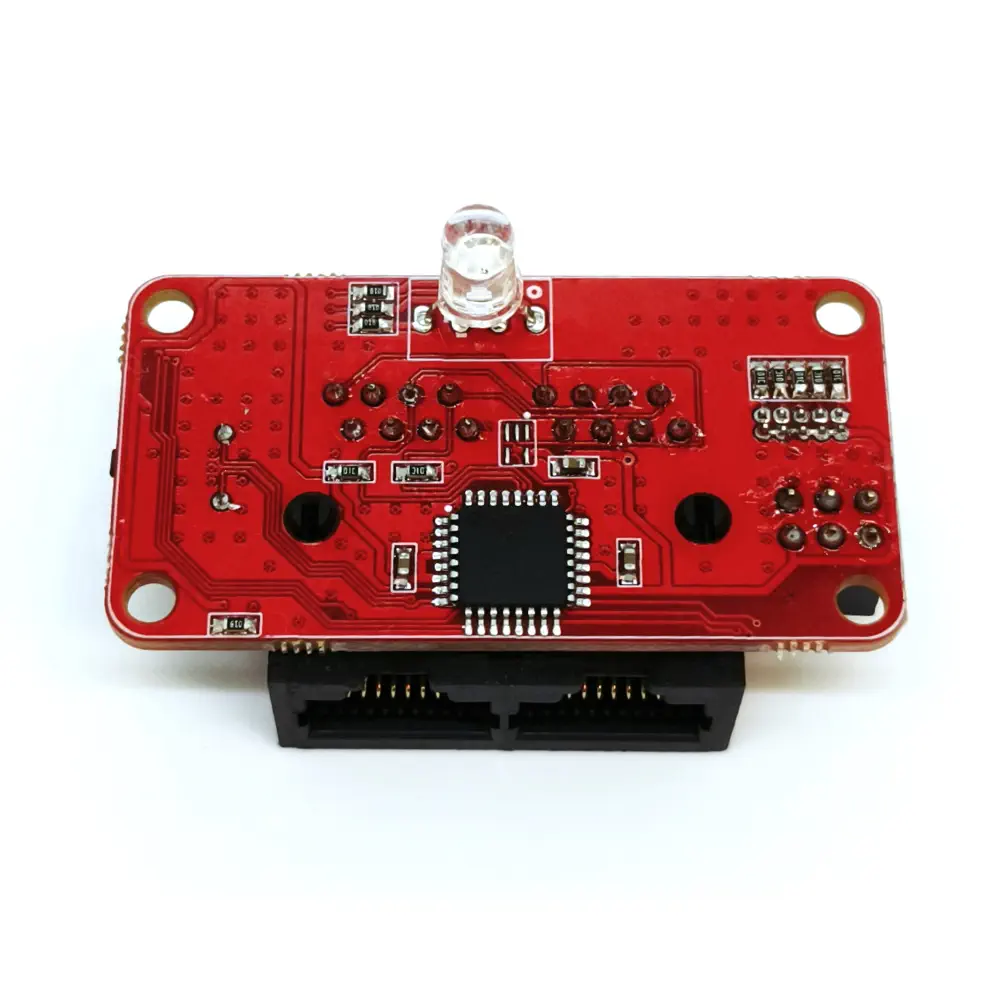
All add-on modules have an **ID Config** part on their boards. The **ID Config** feature allows the system to handle more than one module of the same type. This feature comes in handy when the user wants to use up to 5 of the same module. For example, more than one Ultrasonic Distance Sensor Module or Reflectance Sensor Module can be used in mobile robots especially such as line following robots or object avoidance robots, in order to prevent collisions.

The ID numbers are listed below the ID connector pins.

<figure><img src="https://1077748559-files.gitbook.io/~/files/v0/b/gitbook-x-prod.appspot.com/o/spaces%2F-LuxEcL3mxZNc5Aa92N6%2Fuploads%2FZ1e1mCSNtdZgFHqvUhlm%2Fimage.png?alt=media&#x26;token=6ef33c6d-0c4d-4733-8ab7-d4dbbb8317cd" alt=""><figcaption><p>ID Config Pins</p></figcaption></figure>

{% hint style="info" %}
The ID of each module is "1" as default, even if there is no jumper on the ID Config area.
{% endhint %}

These pins can be connected in vertical doubles to select the desired ID for the module, with a 2 pin jumper. The name of the module will change as the ID changes, such as `Distance_3` for [Ultrasonic Distance Sensor Module](https://docs.acrome.net/electronics/add-on-modules/ultrasonic-distance-sensor-module) or `Light_5` for [Ambient Light Sensor Module](https://docs.acrome.net/electronics/add-on-modules/ambient-light-sensor-module).

## RJ-45 Connectors

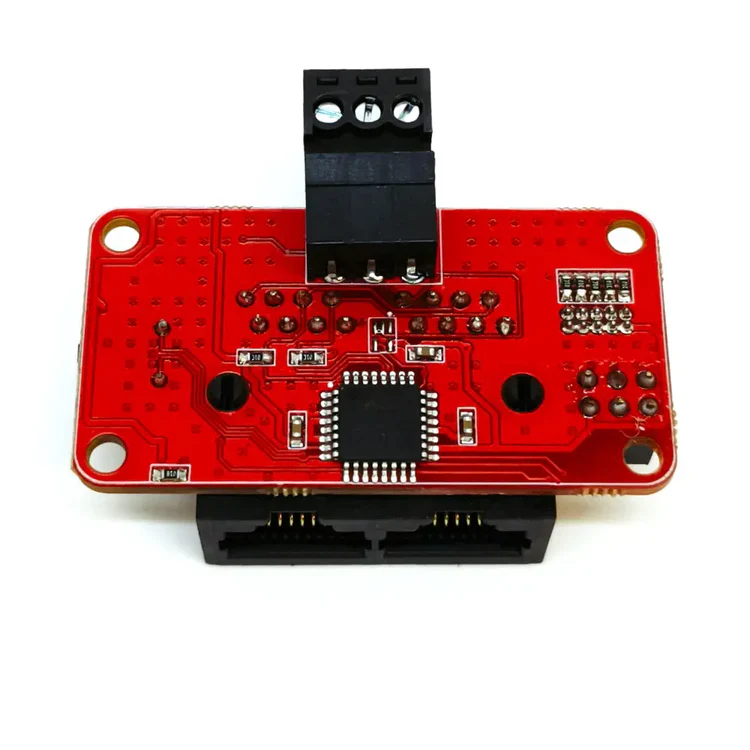
The RJ-45 connectors on add-on modules offer many possibilities for many scenarios. The RJ-45 cable can provide both power and data between SMD and add-on modules, it perfectly solves the cable tangle, solving two problems at once.

RJ-45 connectors make it easy to connect add-on modules back to back. In addition, the click-lock feature keeps the connection secure both in terms of data and mechanically. The RJ-45 cables in the SMD product family are available in a variety of lengths. These are 7.5 cm, 20 cm and 35 cm RJ-45 cables. Different lengths provide different options for building a system. Also, RJ-45 cables are flat, making them easier to pass through any place.

## Input Add-on Modules

Input sensors are the most important sensors when it comes to understanding and interacting with the environment. Input sensors are the majority in the world of sensors due to the need of continuous data collection and monitoring. Any kind of system can be controlled in a reasonable and stable way thanks to the input sensors.

{% hint style="info" %}
There are <mark style="color:red;">**7 input add-on modules**</mark> in the SMD family.
{% endhint %}

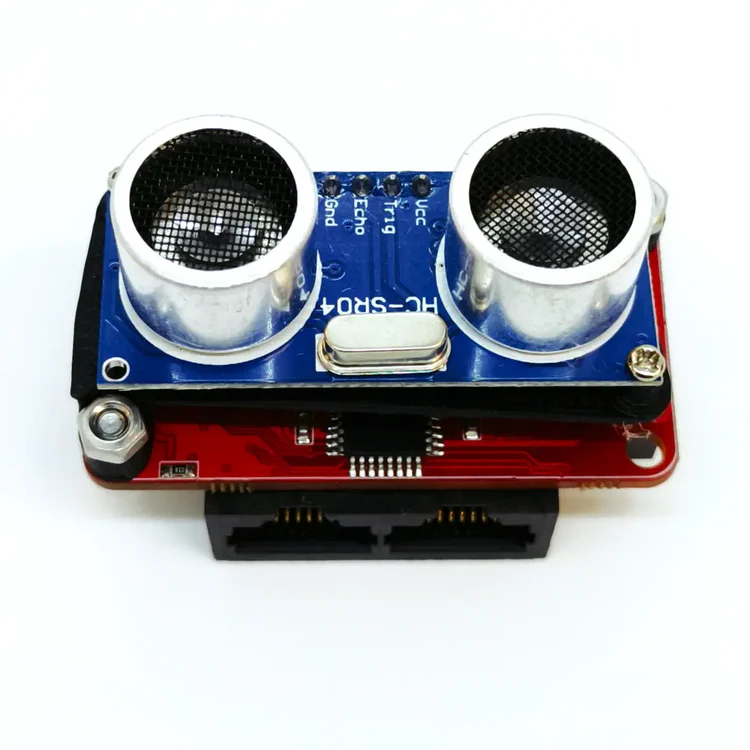
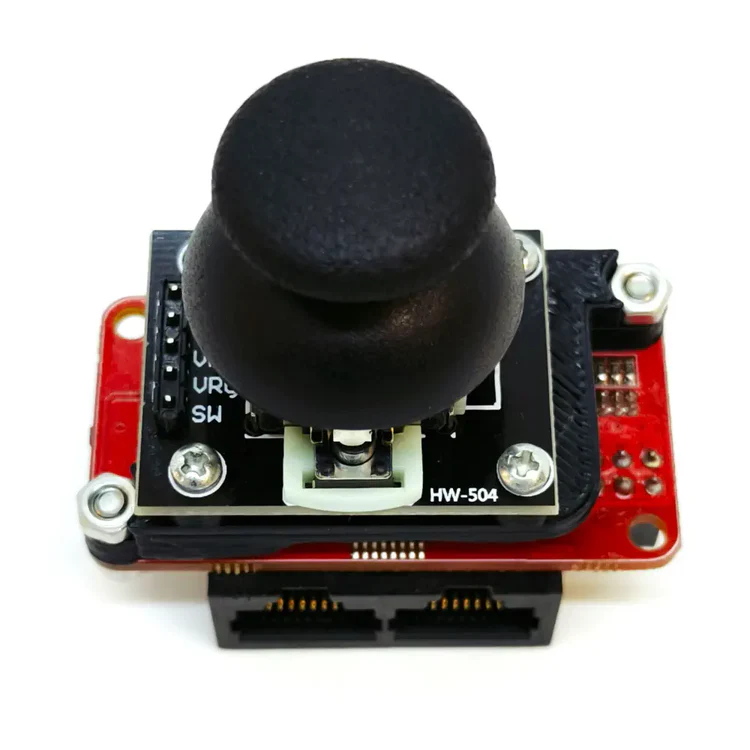
<table data-view="cards"><thead><tr><th align="center"></th><th data-hidden data-card-cover data-type="image">Cover image</th><th data-hidden data-card-target data-type="content-ref"></th></tr></thead><tbody><tr><td align="center">Ambient Light Sensor Module</td><td><a href="https://1077748559-files.gitbook.io/~/files/v0/b/gitbook-x-prod.appspot.com/o/spaces%2F-LuxEcL3mxZNc5Aa92N6%2Fuploads%2F3mB0XD6FytuJgP5KGO1a%2F929c0b4e_1-ambient_light_sensor_module.webp?alt=media&#x26;token=6ea34570-2b1a-429c-9713-6349cea3161b">929c0b4e_1-ambient_light_sensor_module.webp</a></td><td><a href="add-on-modules/ambient-light-sensor-module">ambient-light-sensor-module</a></td></tr><tr><td align="center">Button Module</td><td><a href="https://1077748559-files.gitbook.io/~/files/v0/b/gitbook-x-prod.appspot.com/o/spaces%2F-LuxEcL3mxZNc5Aa92N6%2Fuploads%2FUKGCUbEE59JchlvWvyzR%2F3da4627b_1-button_module.webp?alt=media&#x26;token=48128cd4-d4ec-4693-b930-bc50a49c979e">3da4627b_1-button_module.webp</a></td><td><a href="add-on-modules/button-module">button-module</a></td></tr><tr><td align="center">IMU Module</td><td data-object-fit="contain"><a href="https://1077748559-files.gitbook.io/~/files/v0/b/gitbook-x-prod.appspot.com/o/spaces%2F-LuxEcL3mxZNc5Aa92N6%2Fuploads%2F248bYo1bFJpn15GoDrNe%2F6465d672_1-imu_module.webp?alt=media&#x26;token=9925aa8a-e8a8-466b-960f-c42a42de1283">6465d672_1-imu_module.webp</a></td><td><a href="add-on-modules/imu-module">imu-module</a></td></tr><tr><td align="center">Potentiometer Module</td><td><a href="https://1077748559-files.gitbook.io/~/files/v0/b/gitbook-x-prod.appspot.com/o/spaces%2F-LuxEcL3mxZNc5Aa92N6%2Fuploads%2FNYEwfPdwl7tw06Y1KRS9%2Fc9c6e5ab_1-potentiometer_module.webp?alt=media&#x26;token=6a1d795a-2c07-49d7-bdcf-d6ccfaba7a6b">c9c6e5ab_1-potentiometer_module.webp</a></td><td><a href="add-on-modules/potentiometer-module">potentiometer-module</a></td></tr><tr><td align="center">Reflectance Sensor Module</td><td><a href="https://1077748559-files.gitbook.io/~/files/v0/b/gitbook-x-prod.appspot.com/o/spaces%2F-LuxEcL3mxZNc5Aa92N6%2Fuploads%2F6U2EtldYtrAk71a14JO4%2FReflectance%20Sensor%20v3.png?alt=media&#x26;token=60ac725a-e730-4084-af95-94fadb097fc7">Reflectance Sensor v3.png</a></td><td><a href="add-on-modules/reflectance-sensor-module">reflectance-sensor-module</a></td></tr><tr><td align="center">Ultrasonic Distance Sensor Module</td><td data-object-fit="contain"><a href="https://1077748559-files.gitbook.io/~/files/v0/b/gitbook-x-prod.appspot.com/o/spaces%2F-LuxEcL3mxZNc5Aa92N6%2Fuploads%2F8sOV9DS3obkuzyxbk8Gw%2F6ac58fee_1-ultrasonic_distance_sensor_module.webp?alt=media&#x26;token=63635355-e47f-4dd0-b5b0-a03086690377">6ac58fee_1-ultrasonic_distance_sensor_module.webp</a></td><td><a href="add-on-modules/ultrasonic-distance-sensor-module">ultrasonic-distance-sensor-module</a></td></tr><tr><td align="center">Joystick Module</td><td data-object-fit="contain"><a href="https://1077748559-files.gitbook.io/~/files/v0/b/gitbook-x-prod.appspot.com/o/spaces%2F-LuxEcL3mxZNc5Aa92N6%2Fuploads%2FOBdh1wGSUQqKW71ysjt8%2Fd154e609_1-joystick_module.webp?alt=media&#x26;token=47d41991-0002-468e-a744-c9a001b9d7e2">d154e609_1-joystick_module.webp</a></td><td><a href="add-on-modules/joystick-module">joystick-module</a></td></tr></tbody></table>

### Output Add-on Modules

Output sensors are essential for physically interacting with the environment. They generally take a system input from the input sensors or an input created by the user through software. Any electronic device that has physically sensable outputs is an output sensor.

{% hint style="info" %}
There are <mark style="color:red;">**3 output add-on modules**</mark> in the SMD family.
{% endhint %}

<table data-view="cards"><thead><tr><th align="center"></th><th data-hidden data-card-cover data-type="image">Cover image</th><th data-hidden data-card-target data-type="content-ref"></th></tr></thead><tbody><tr><td align="center">Buzzer Module</td><td><a href="https://1077748559-files.gitbook.io/~/files/v0/b/gitbook-x-prod.appspot.com/o/spaces%2F-LuxEcL3mxZNc5Aa92N6%2Fuploads%2FYjDkk5ie4R8qfWH3K3Cq%2F0e83f321_1-buzzer_module.webp?alt=media&#x26;token=1e1d3013-6cff-4be4-a87b-09a10cd5cc71">0e83f321_1-buzzer_module.webp</a></td><td><a href="add-on-modules/buzzer-module">buzzer-module</a></td></tr><tr><td align="center">RGB LED Module</td><td><a href="https://1077748559-files.gitbook.io/~/files/v0/b/gitbook-x-prod.appspot.com/o/spaces%2F-LuxEcL3mxZNc5Aa92N6%2Fuploads%2F7goehDqwgZy6C2saRPKz%2F9455d989_1-rgb_led_module.webp?alt=media&#x26;token=9ac43b90-ca47-4db0-b177-5d6622000c21">9455d989_1-rgb_led_module.webp</a></td><td><a href="add-on-modules/rgb-led-module">rgb-led-module</a></td></tr><tr><td align="center">Servo Module</td><td><a href="https://1077748559-files.gitbook.io/~/files/v0/b/gitbook-x-prod.appspot.com/o/spaces%2F-LuxEcL3mxZNc5Aa92N6%2Fuploads%2FJGU6rEYD5J6rHYkDB2Jm%2F522c44d3_1-servo_module.webp?alt=media&#x26;token=e6a7ceeb-f35a-4f31-9d6e-90d1ad3357de">522c44d3_1-servo_module.webp</a></td><td><a href="add-on-modules/servo-module">servo-module</a></td></tr></tbody></table>

Due to the definition of output sensors, the 100 RPM brushless DC motor is also an output sensor, even though it is not an add-on module.

{% content-ref url="../help/shops" %}
[shops](https://docs.acrome.net/help/shops)
{% endcontent-ref %}


---

# Agent Instructions: Querying This Documentation

If you need additional information that is not directly available in this page, you can query the documentation dynamically by asking a question.

Perform an HTTP GET request on the current page URL with the `ask` query parameter:

```
GET https://docs.acrome.net/electronics/add-on-modules.md?ask=<question>
```

The question should be specific, self-contained, and written in natural language.
The response will contain a direct answer to the question and relevant excerpts and sources from the documentation.

Use this mechanism when the answer is not explicitly present in the current page, you need clarification or additional context, or you want to retrieve related documentation sections.